


If you run a business and use Google to track your website traffic (Analytics) and run your marketing (Ads), you probably have those two accounts “talking” to each other.
Right now, there are a few different “on/off” switches that tell Google how it’s allowed to use your customers’ data. It’s been a bit messy, with one switch in Analytics sometimes contradicting a switch in Ads.
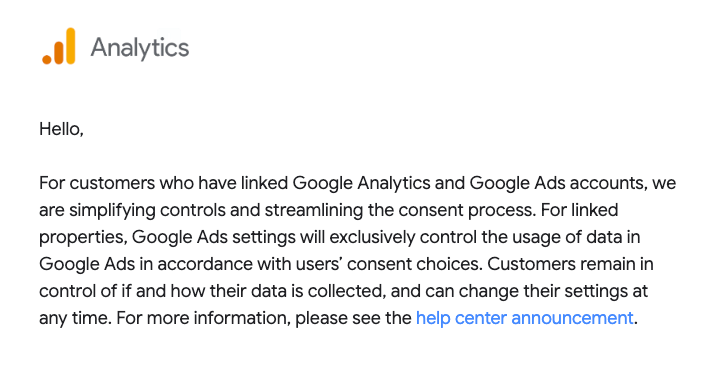
Starting June 15, 2026, Google is tidying things up. They are moving to a “one-switch” rule to make things clearer for you and more private for your customers. View the announcement here.
What’s actually happening?
Think of your customer data like a library.
- Google Analytics is the librarian tracking which books are popular.
- Google Ads is the bookstore across the street, trying to recommend new books to people.
Previously, if you wanted to stop the librarian from sharing info with the bookstore, you had to flip two different switches in two different buildings. It was easy to get confused.
The Change: Google is making the Ads Consent Mode the master key.
If a customer gives permission for “advertising” on your site, Google Ads will get the data it needs to show them relevant ads, regardless of what your old Analytics settings say.
Why does this matter to your business?
This isn’t just “tech talk”; it changes how your marketing dollars work. Here is the real-world impact:
- Better Accuracy (If you opt-in): By streamlining the settings, Google can better track “conversions.” For example, if someone clicks an ad on their phone and buys on their laptop, these new settings help Google connect those dots more reliably.
- Privacy Compliance: This makes it easier for you to stay legal. If a user says “No” to tracking, Google’s systems now have a much clearer, unified way to respect that choice across both platforms instantly.
- The “Signals” Shift: If you previously had “Google Signals” turned off in Analytics to keep things private, you need to know that this switch won’t stop Google Ads anymore. If you want to keep data private now, you have to use the master “Ads Consent” settings instead.
What do you need to do?
Don’t worry, for most people, things will keep running smoothly, but you should check your “switches” just in case.
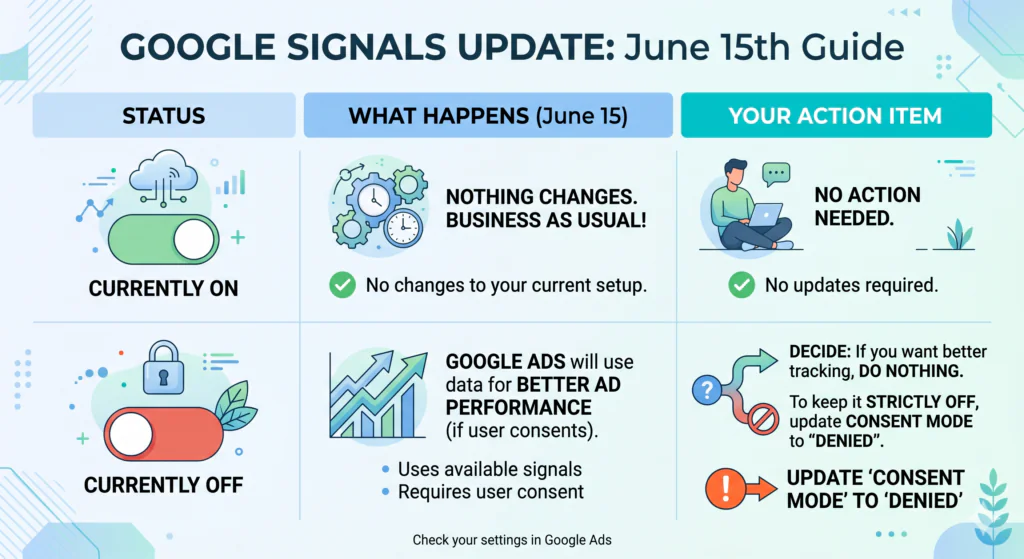
A Word of Caution: The “Denied” Button
If you decide to set your settings to “Denied” to stop all tracking, be aware: Your ad performance data will likely drop significantly. You won’t be able to see clearly which ads are making you money and which are wasting it. It’s like trying to fly a plane in a fog; you’re still moving, but you can’t see the dashboard.
Your 3-Step Checklist:
- Check your settings: Log into Google Analytics and see if “Signals” is on or off.
- Update your Privacy Policy: Ensure your website tells people how you use their data. Google requires you to let users know they can delete their data via their “My Activity” page.
- Ask for help if you’re stuck: If this feels like “alphabet soup,” reach out to your digital marketing agency. You have until June 15, 2026, to get it right!
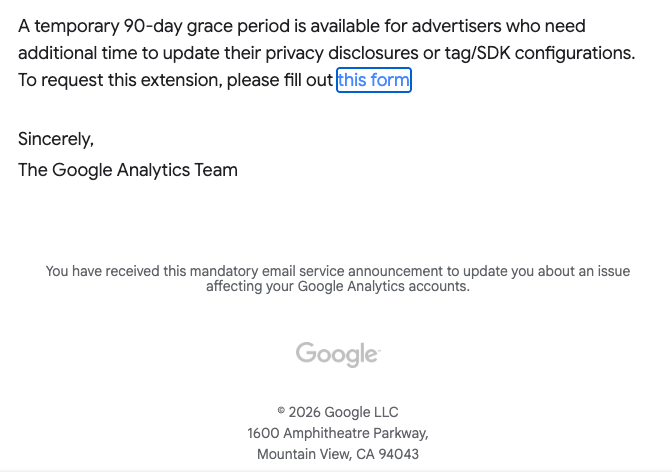
Need a breather? Google is offering a 90-day extension if you need more time to fix your privacy disclosures. You just have to fill out this form to ask for it.

Angie Batten
Latest posts by Angie Batten (see all)
- Google LSAs Are Moving to Performance Max: What Businesses Need to Know - September 2, 2026
- Big Changes Coming June 2026: Make Sure These Google Ads Settings Are Correct - May 12, 2026
- Should Pest Control Companies Use Facebook Ads? - May 11, 2026




Leave a Reply